Watch what your people love
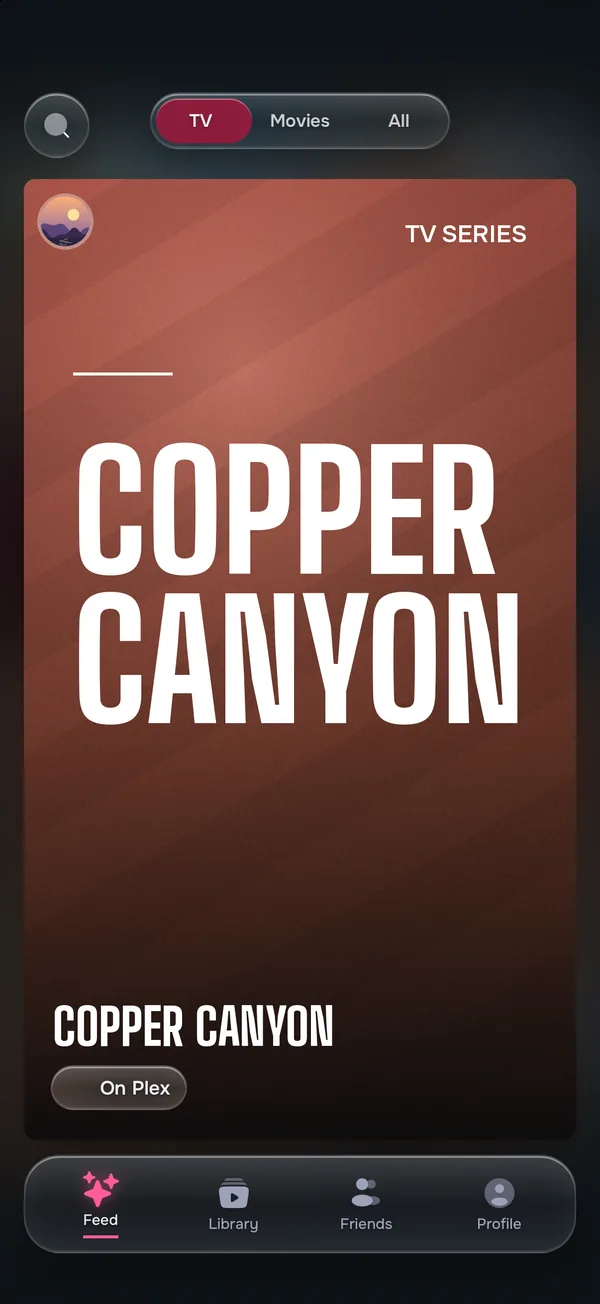
KinStar shows you the shows and movies your real friends loved, not what millions of strangers clicked. Swipe to tell them what you loved; see what they did.
Friends only
Connect by scanning each other's code when you're together, or with an invite link when you're not. No followers, no public profiles, no strangers.
Swipe, don't rate
Loved it, save it for later, or pass. No stars to argue over, and what you pass on stays private. Your library builds itself.
Taste match
See which titles you and a friend both loved, and where to stream what they recommend.
A recommendation is only as good as who gives it
Your friend who loved the same odd little series as you is worth more than any chart. KinStar keeps your circle small on purpose, and never shows your taste to anyone outside it.
Good to know
How do I join KinStar?
KinStar is invite-only. Sign in with Apple or Google, then connect with a friend who's already on KinStar: ask them for their invite link, or scan their code when you're together (Friends → Connect with friends). A title a friend sends you works too. No friend on KinStar yet? Sign in and join the waitlist.
Is KinStar free?
Yes, KinStar is free.
Who can see what I love?
Only the friends you've connected with. There are no public profiles, no followers and nothing to find in a search.
Why can't I search for people?
On purpose. KinStar is for people you actually know, so you connect with a code when you're together or an invite link from a friend, never by looking someone up.
Is there an iPhone or Android app?
The iPhone and Android apps are coming soon. Until then, the web app works on a computer and in your phone's browser.